



Duospin App
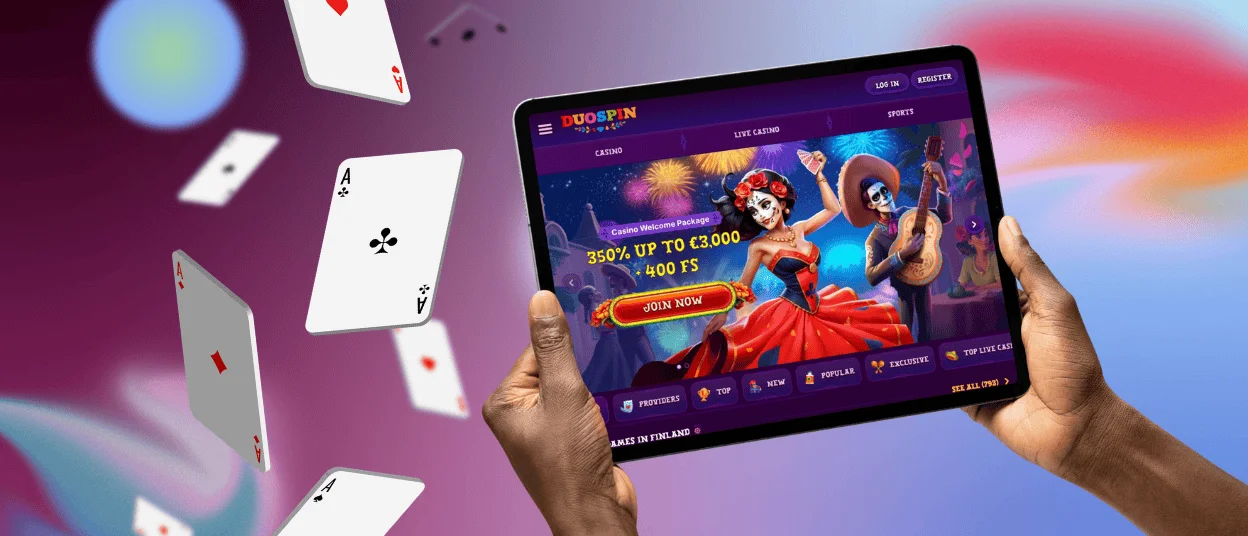
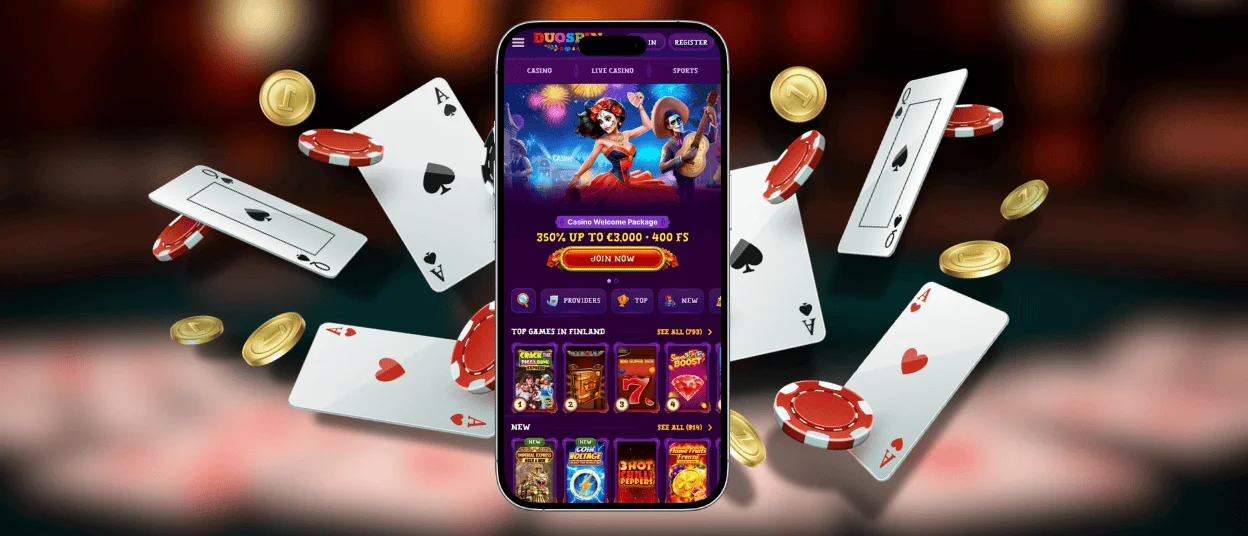
A phone or tablet is enough to open the full mobile experience without waiting for a large download. The Duospin app runs in the browser, and Android or iOS users can add a home screen shortcut for quicker access. One profile keeps the same wallet, game lobby and sportsbook ready across devices. Users can check live odds, open a favorite title, or reach live chat while away from a computer.



Duospin Mobile Casino
The mobile layout keeps games and account tools clear on a smaller screen. Users can move through the Duo Spin Casino lobby, open promotions and manage payments with simple taps instead of navigating crowded desktop pages. Browser access also removes several risks linked to unofficial app files.
- No device-wide access: The platform works in the browser and doesn’t need wide-ranging access to contacts, photos, or local files.
- No installer needed: Users don’t need to download APK files or third-party packages, which helps to avoid fake installers and unsafe copies.
- Secure connection: HTTPS encryption protects the login and payment information while being transmitted between your device and the site.
- Automatic updates: The browser automatically opens the latest version of the Duospin app experience, so users don’t need to install a new build after each platform update.
Duospin Mobile Access App for Android
For Android users, the mobile platform can be added to the home screen in a few steps. Open the Duospin website in Chrome, and click the three-dot menu in the top-right corner. Tap “Add to Home screen,” check the shortcut name and confirm. Chrome then places the Duo Spin app icon on the Android home screen, where it can be launched like any other mobile app.
This has several practical advantages:
| Strengths | Description |
| Launch directly | Open the platform from a single home screen icon, rather than hunting through browser tabs. |
| Cleaner Display | The shortcut opens Duo Spin in a more focused, app-like view. |
| Current Version | Chrome automatically loads the latest platform updates. |
| Safer Setup | No APK file or third-party installer is required. |
Mobile Access to the Duospin App for iOS
Safari lets iPhone and iPad users turn the mobile website into a home-screen icon in less than a minute. This option keeps Duospin close at hand without taking users through the App Store or adding a separate installation package. The setup is right in the browser:
- Open Safari on the device.
- Enter the Duospin website address and wait for the page to load.
- Tap the “Share” icon at the bottom of your screen. It is at the top on some iPad layouts.
- Scroll through the available actions and select “Add to Home Screen.”
- Check the shortcut name and change it if needed.
- Tap “Add” in the top-right corner.
- Return to the home screen and find the new Duospin app icon.
- Tap the icon whenever you want to open the mobile platform in an app-like view.
Duospin App on Windows and macOS
Desktop users can open the platform in Chrome, Edge, or Safari without installing a large program. A browser shortcut can place the Duospin app on the desktop or taskbar, giving faster access to the site on Windows and macOS. The wider desktop layout gives users more space to compare betting markets, follow live tables and manage account details with a keyboard and mouse.

Cross-Device Synchronization for Duospin
Your Duospin account details stay connected when you move between a phone, tablet, or computer, so you do not need to set up the profile again on each device.
Changes made to personal details or security settings become available after the profile is opened elsewhere. On a shared phone or computer, users should log out after each session to prevent another person from accessing the account.
FAQ
Can I try Duospin Casino games on a phone without placing a bet?
Yes, many titles have a demo option, and it works on the mobile browser. Controls and bonus mechanics can be tried in demo mode before playing for real money, but access to that demo mode may vary from game to game.
Should I use portrait or landscape mode?
Portrait mode is good for browsing the Duospin Casino lobby and account pages. Rotating the device sideways can give more room for slot reels, live tables and betting controls when the standard view feels too cramped.
What should I do if the mobile version runs slowly?
Upgrade your browser, close unused apps and check available memory on your device. Older phones might take a little longer to load game thumbnails or live content. Try restarting the browser to clear temporary issues.


